You ordered security services on our website. This page takes you from your order to protected computers, one step at a time.
| Your plan | What applies to you |
|---|---|
| Managed plan | Start with Getting started on a managed plan instead. |
| Ordered online (self-serve) | This page. Follow Steps 1 to 4 in order. |
We never ask for your password by email or phone. Real links go only to sso.rainier-it.com or portal.rainier-it.com. If in doubt, call (206) 593-8072.
¶ Who this is for
The person who placed the order on rainier-it.com/security, or the contact named on it.
¶ How ordering works
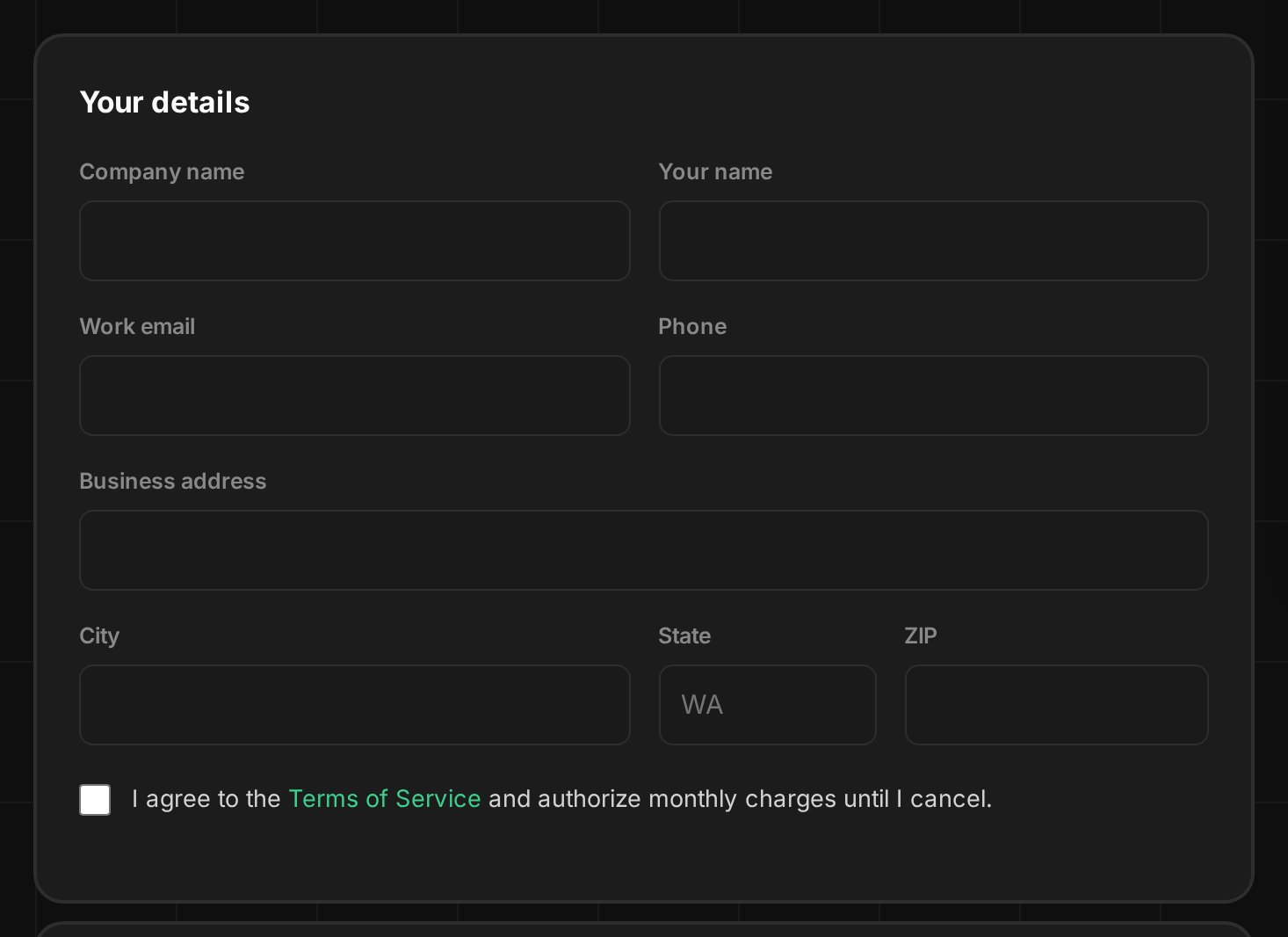
- Pick the services you want and how many computers or people each one covers.
- Pay by card. You're billed monthly, per computer or per person, for what's actually installed.
- We set up your accounts and email you.
Prices are on rainier-it.com/security.
¶ Step 1: Set your password
- Look in your inbox for an email from Rainier IT, sent from an @rainier-it.com address.
- Select the "Set Your Rainier IT Password" button.
- Check that your browser's address bar shows sso.rainier-it.com.
- Type a new password, then type it again to confirm.
- Select the button to continue.
You'll know it worked when the page moves on to setting up two-step sign-in (Step 2).
Can't find the email? Check your spam or junk folder, then email [email protected]. The link works once and expires. If it has expired, email us and we send you a new one.
¶ Step 2: Set up two-step sign-in
Two-step sign-in means a stolen password alone can't get anyone into your account. You set it up on your first sign-in, and choose one of two ways:
- An authenticator app on your phone, such as Google Authenticator or 1Password. It shows a six-digit code that keeps changing.
- A passkey, for example Windows Hello, Touch ID or Face ID. You confirm with your fingerprint, face or PIN.
Using an authenticator app:
- Install an authenticator app on your phone if you don't have one.
- Choose the authenticator app option on the sign-in page.
- Open the app and scan the square code on the screen.
- Type the six-digit code the app shows, then continue.
Using a passkey:
- Choose the passkey option on the sign-in page.
- Follow your computer's or phone's prompt, and confirm with your fingerprint, face or PIN.
You'll know it worked when the Client Portal opens on Overview.
Next time you want the portal:
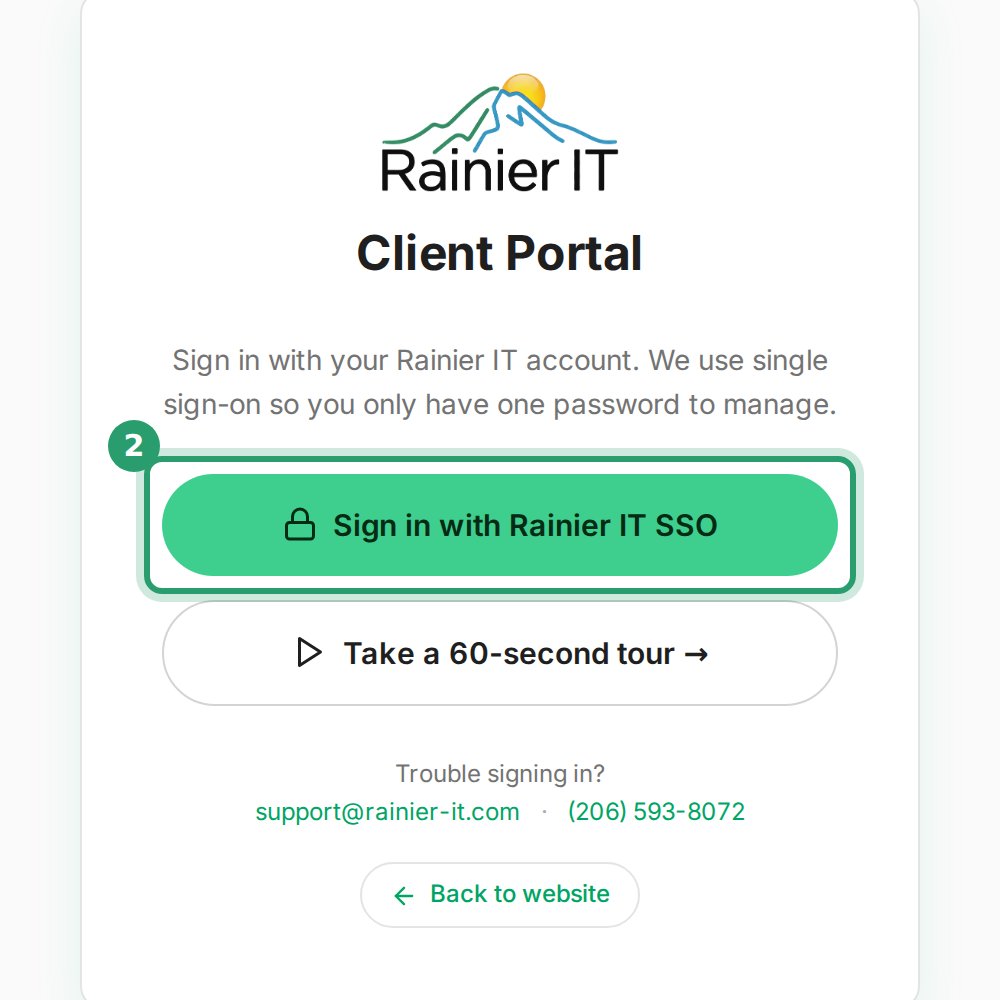
- Go to portal.rainier-it.com.
- Select the "Sign in with Rainier IT SSO" button.
¶ Step 3: Install on each computer
Open Downloads from the portal menu, then:
- Select Download next to Windows installer.
- Run it on each Windows computer, following Installing the agent.
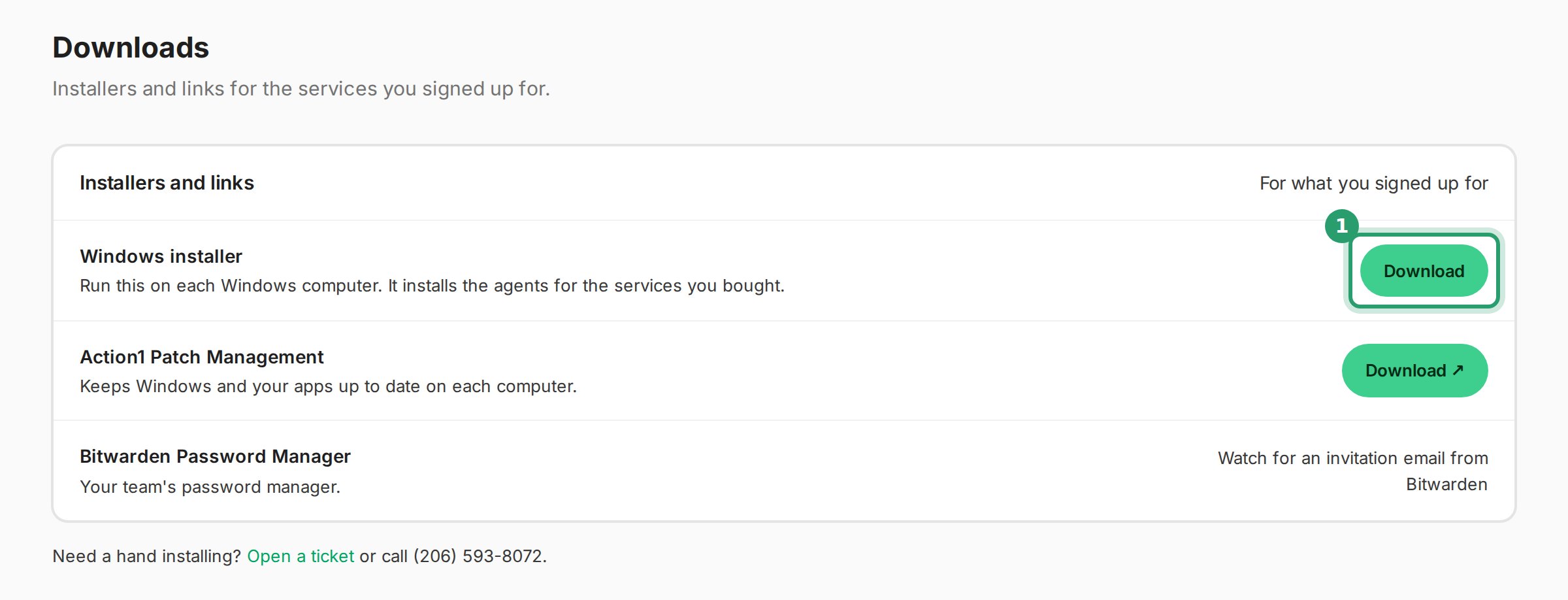
One installer sets up the services you bought. If you ordered patch management, its own install link shows on Downloads too; until it's ready, the row says it's being prepared and we email you. If you ordered the password manager, watch for an invitation email from Bitwarden instead.
You'll know it worked when the installer ends with the line
Monitoring agent running.
¶ Step 4: Check your services
- Select Overview in the menu.
- Find the Your services card.
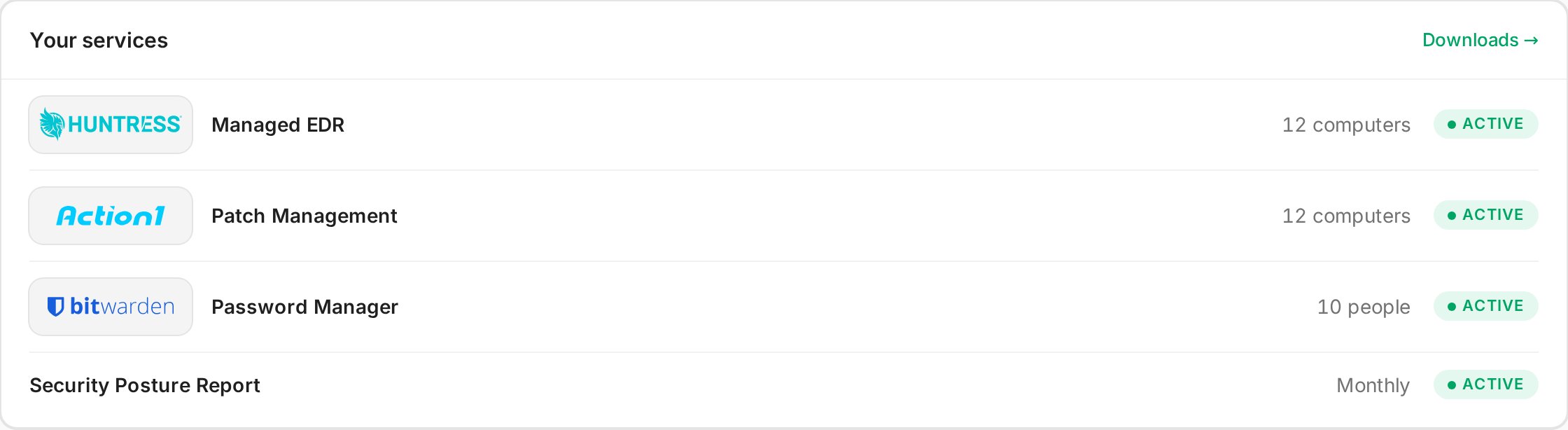
You'll know it worked when each service you ordered shows Active.
Each row opens that service's page. The card also links to Your company page: a private page in this help center with your services and next steps. Only people from your company can open it, after signing in.
¶ Guides by service
These guides open after you sign in.
- Huntress Managed EDR (sign-in required)
- Action1 Patch Management (sign-in required)
- Remote Monitoring & Support (sign-in required)
- Bitwarden Password Manager (sign-in required)
- Billing (sign-in required)
¶ Your accounts
One sign-in opens all of these.
| Account | Use it for |
|---|---|
| Client Portal | Your services, downloads, devices, support tickets, billing and the AI support assistant |
| Help center | Guides for your services, and your company page |
¶ Self-serve: billing and cancelling
- You're billed monthly, per computer or per person, for what's installed. See rainier-it.com/security for prices.
- Services are month-to-month. You can cancel anytime from your Client Portal or by emailing [email protected].
- Billing stops at the end of the month you've already paid for. There are no refunds for partial months.
- After you cancel, we remove our agents from your computers.
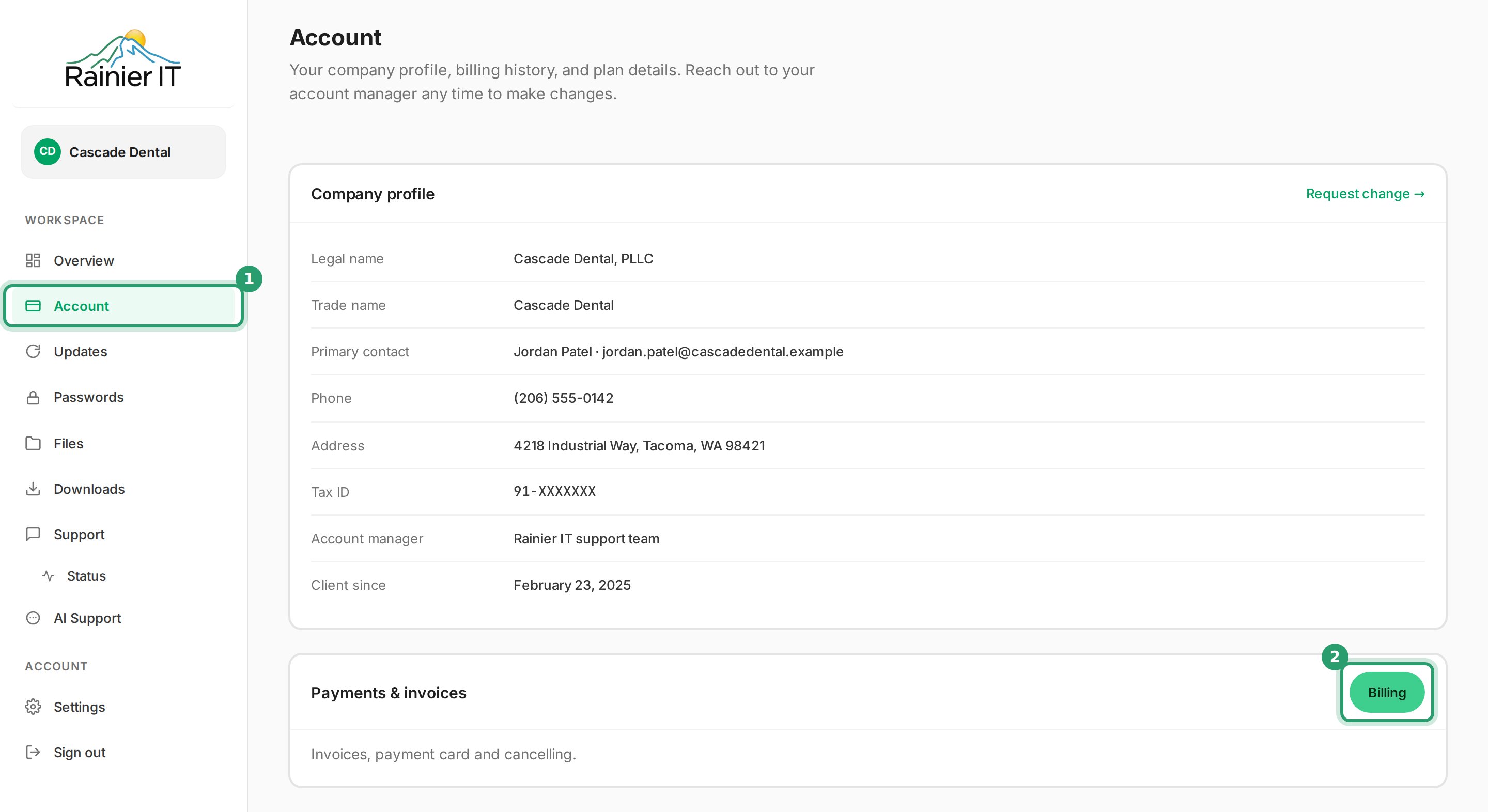
To see invoices or change your card:
- Select Account in the menu.
- Select Billing on the Payments & invoices card.
The full wording is in the self-serve section of our terms.
¶ Troubleshooting
¶ No email after ordering
Check your spam or junk folder. Then email [email protected] or call (206) 593-8072 with your company name.
¶ The password link has expired
Email [email protected] and we send you a new one.
¶ Lost phone or can't do the second step
Call (206) 593-8072. Once we've confirmed it's you, we reset your two-step sign-in so you can set it up again.
¶ Downloads is missing or says your plan is paused
Email [email protected]. A paused plan turns downloads off until we sort it out with you.
¶ Common questions
¶ Adding a service or more computers
Install on another computer and it shows on your next bill. To add a service, email [email protected].
¶ Macs, Linux and servers
Our installer is for 64-bit Windows 10 and 11. For Macs, Linux or servers, email [email protected] and we set them up with you.
¶ Get help
- Email [email protected] or call (206) 593-8072, Mon–Fri 8am–6pm PT, with emergency incident response as needed.
- Open a ticket from Support in the Client Portal. See Submitting a ticket.
- If you think a computer is infected right now, follow My PC got infected and call us.
¶ Sources
- Security services, Rainier IT: how ordering works and prices.
- Terms of service, self-serve security services, Rainier IT: month-to-month, cancelling, end of paid month, no partial refunds, agents removed.
- Authenticator validation stage, authentik docs: users without a second step are made to set one up.
- TOTP authenticator setup stage, authentik docs: authenticator apps scan the code; six-digit codes.
- WebAuthn / FIDO2 / Passkeys authenticator setup stage, authentik docs: Windows Hello, Touch ID, Face ID and passkeys.
- Support for passkeys in Windows, Microsoft Learn: passkeys use your device's fingerprint, face or PIN.
Last reviewed: October 2026